 KlaroTax
From your records
to a clearer next step.
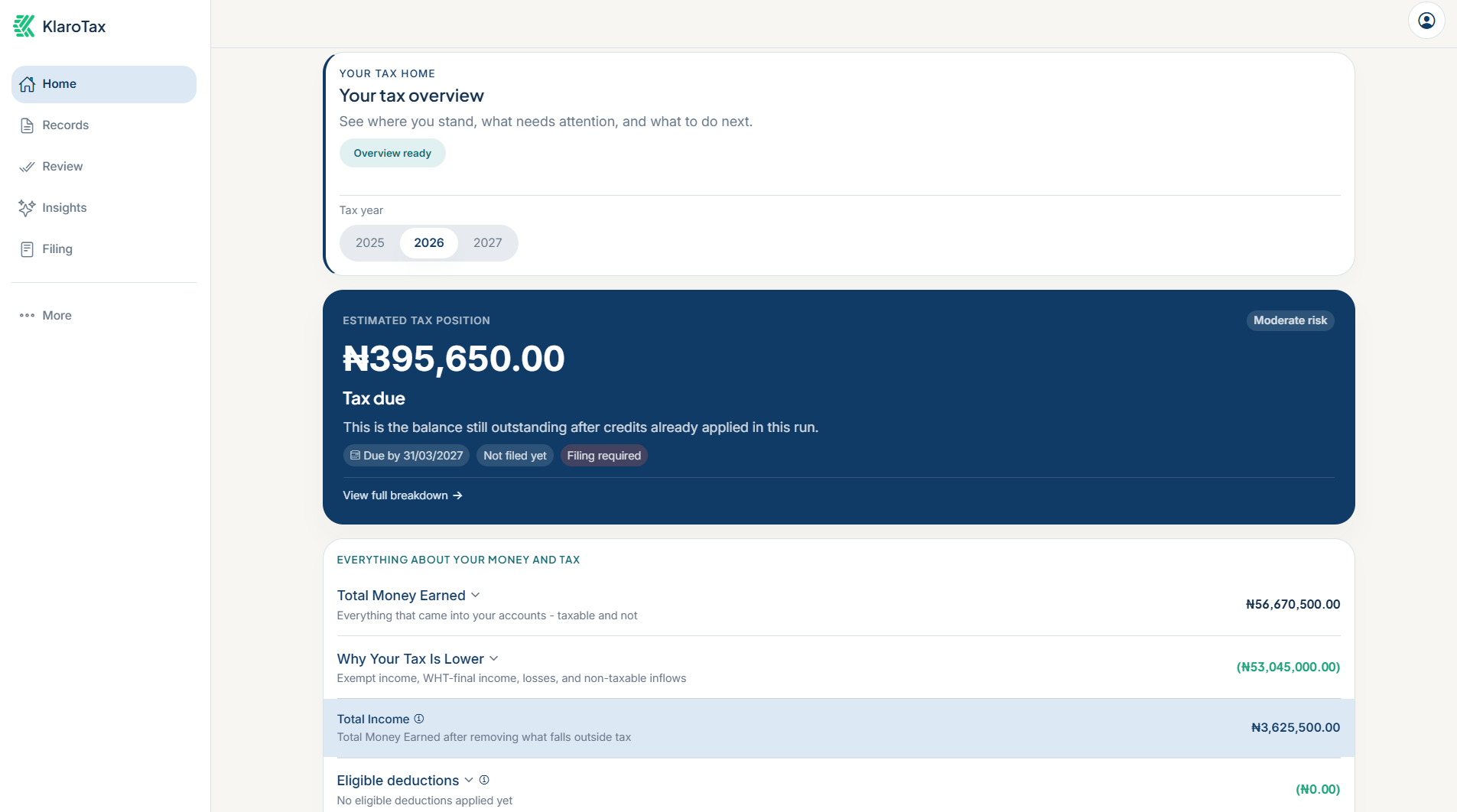
Bring your evidence together, review the details and understand an estimated tax position you can trace.
AI organises. The rules calculate. You stay in control.
See the flow
inside the product.
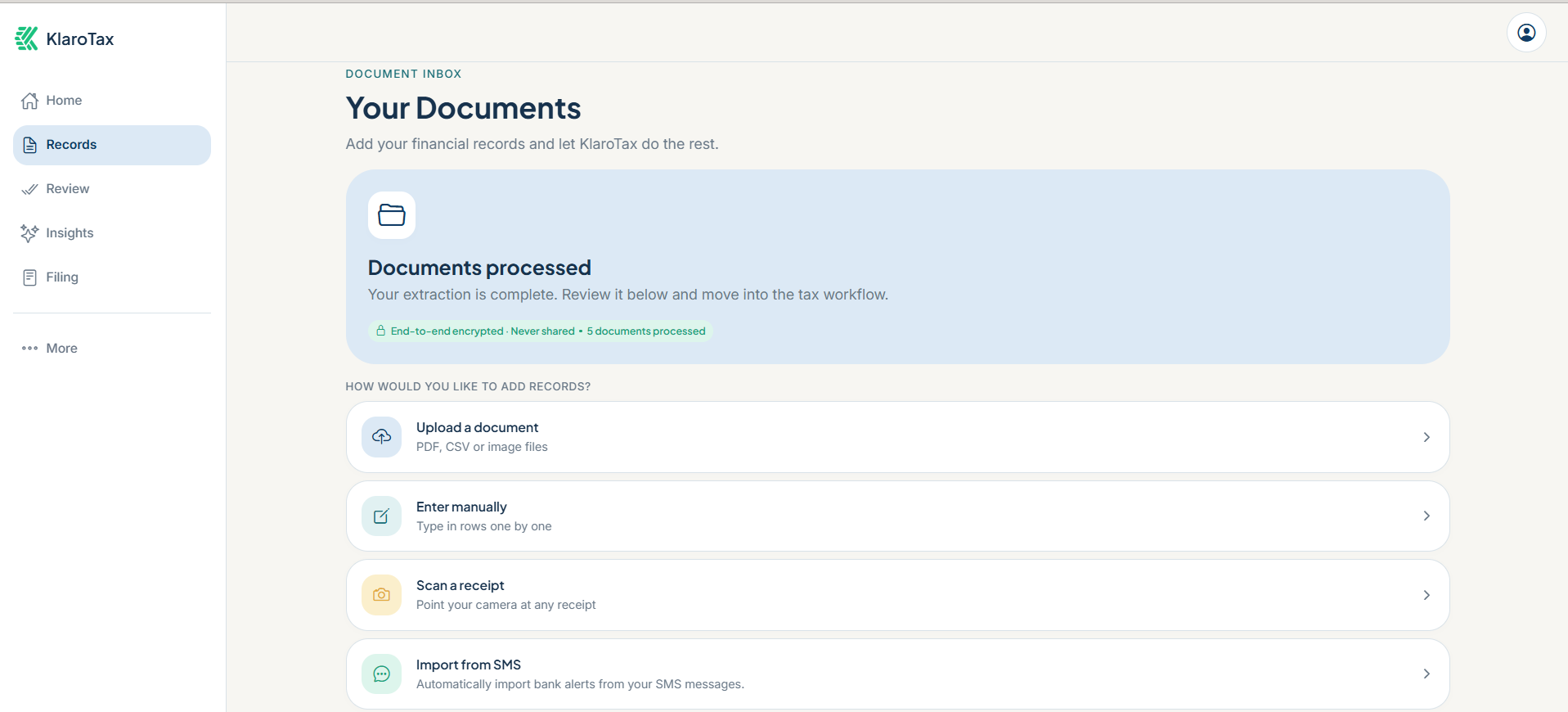
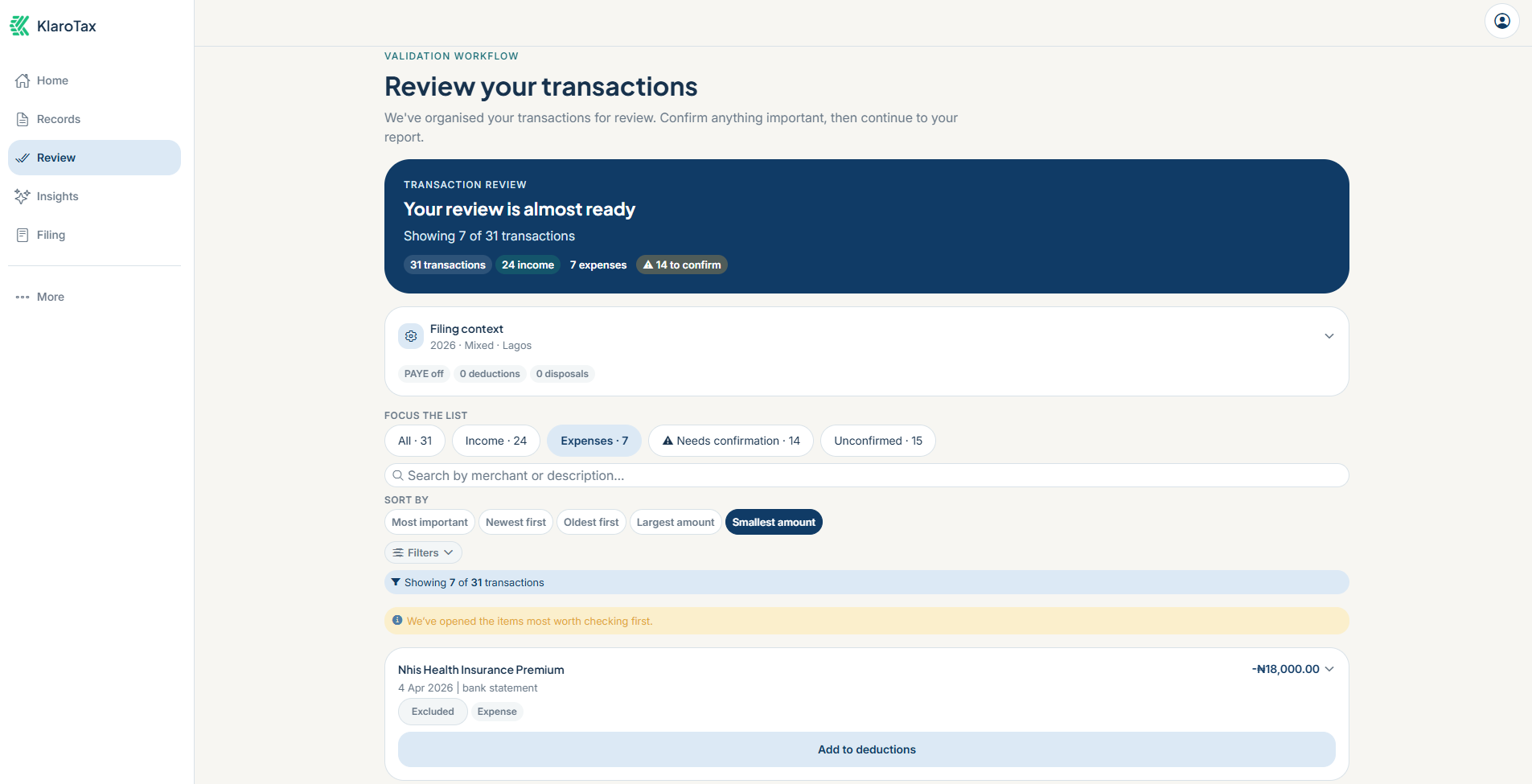
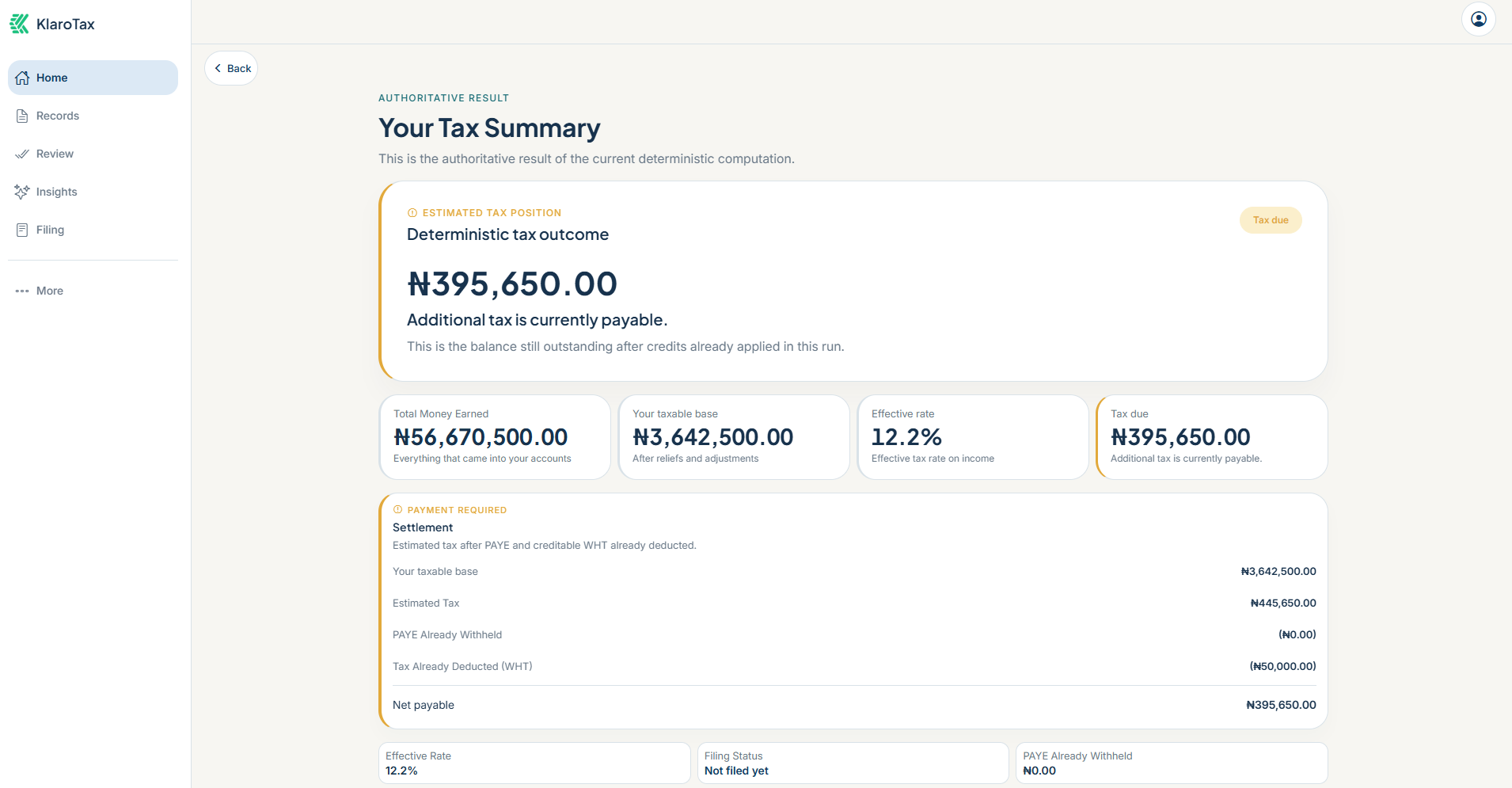
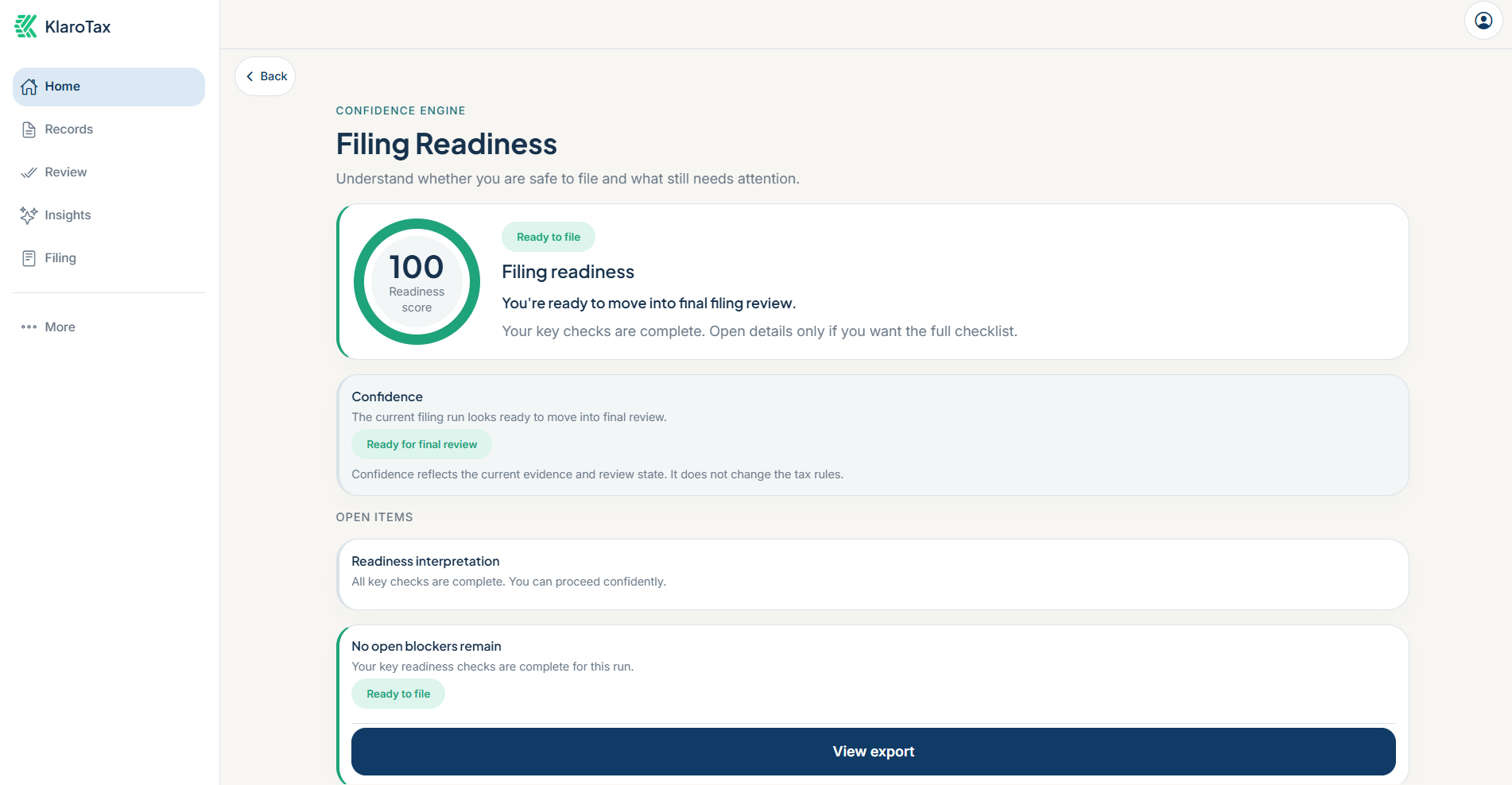
Four screens take you from your records to a clearer next step. Each one uses illustrative data.
Select a stage, or let the flow run.
A practical way
to get organised.
Start with the records you have. Your position becomes more useful as you confirm the information behind it.
- 01
Bring your records
Upload PDF or CSV statements, or add transactions manually. Keep the documents behind your income and expenses together.
- 02
Review the details
Check extracted transactions and suggested classifications. Confirm what is correct and resolve uncertain entries before relying on the result.
- 03
Understand your position
Review income, eligible deductions and tax already paid. Read the calculation and check what needs attention before filing.
Every figure
has a reason.
AI helps organise and explain. The deterministic tax engine calculates your position.
- Follow the evidence.
- Your estimate depends on the records and assumptions you confirm. Missing or incorrect information can change the result.
- Follow the breakdown.
- See how income, expenses, deductions and tax already paid contribute to your position. Computation references help you trace the result.
- Choose your next step.
- Use filing-readiness checks to identify gaps. Filing remains your responsibility; seek qualified professional advice where needed.
Start without
linking your bank.
Use uploaded PDF or CSV statements or enter transactions manually. Direct bank linking and a dedicated multi-client practice workspace are in development and are not currently available.
Compare plans and allowancesStart with what you have.
Bring your first records together. No card needed to start.